Follow every thought.
Live transcription keeps the conversation in view, with a floating window you can place where it suits you.


✦ YOUR MEETING COMPANION
Stay present. Find your words. Let Buddi help you follow the conversation and bring your knowledge into the moment.
Download for Windows ↓For meetings, interviews, and what comes next.
YOUR MEETING SPACE
C Chris 10:14
What should we focus on for the first pilot?
Y You 10:15
Let’s start with what matters most to the team.
Start small. Listen closely.
THOUGHTFULLY TOGETHER
Live transcription keeps the conversation in view, with a floating window you can place where it suits you.
Add project documents, resumes, and job descriptions so your meeting support starts with your own material.
Connect a supported AI provider for suggested answers, meeting notes, and interview reports.
Adjust window opacity and use Privacy mode to request exclusion from supported screen captures.
TAKE A CLOSER LOOK
Explore Buddi’s meeting space, floating panels, and project tools. Preview screens use demo content.
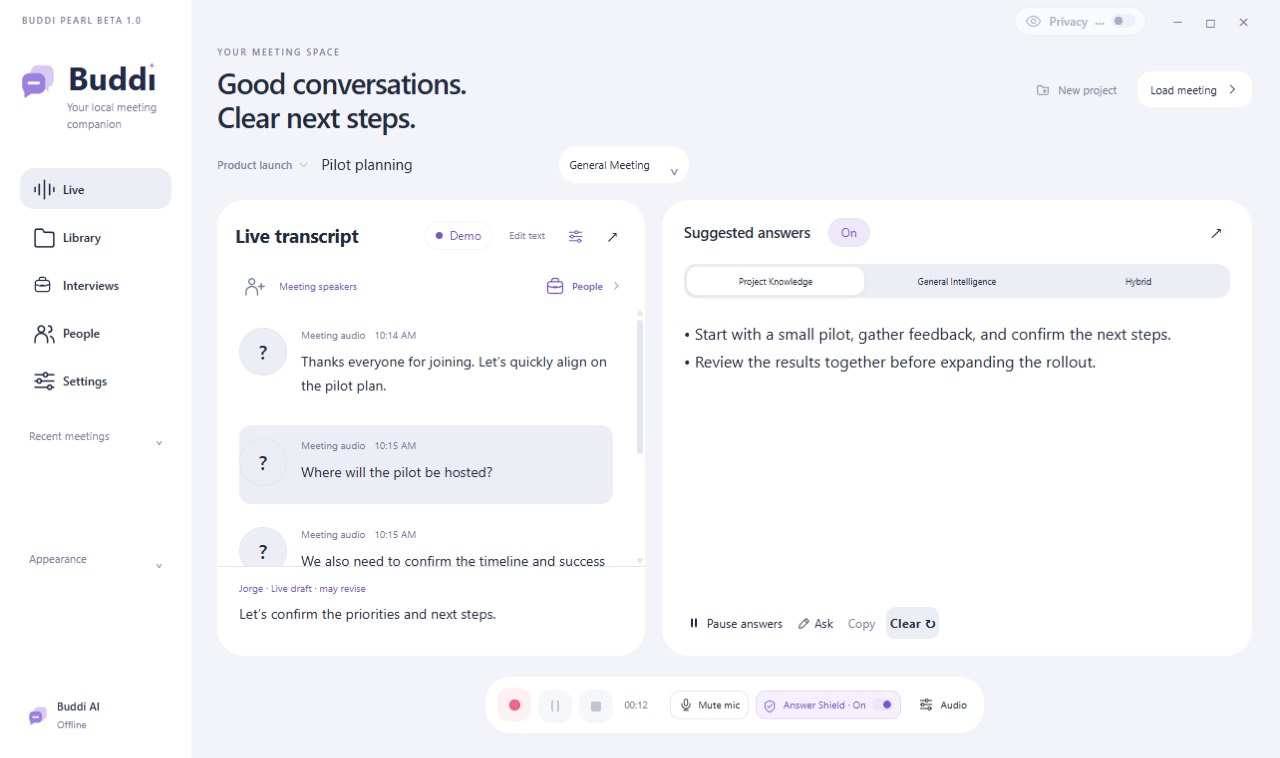
Transcript and suggested answers, together.
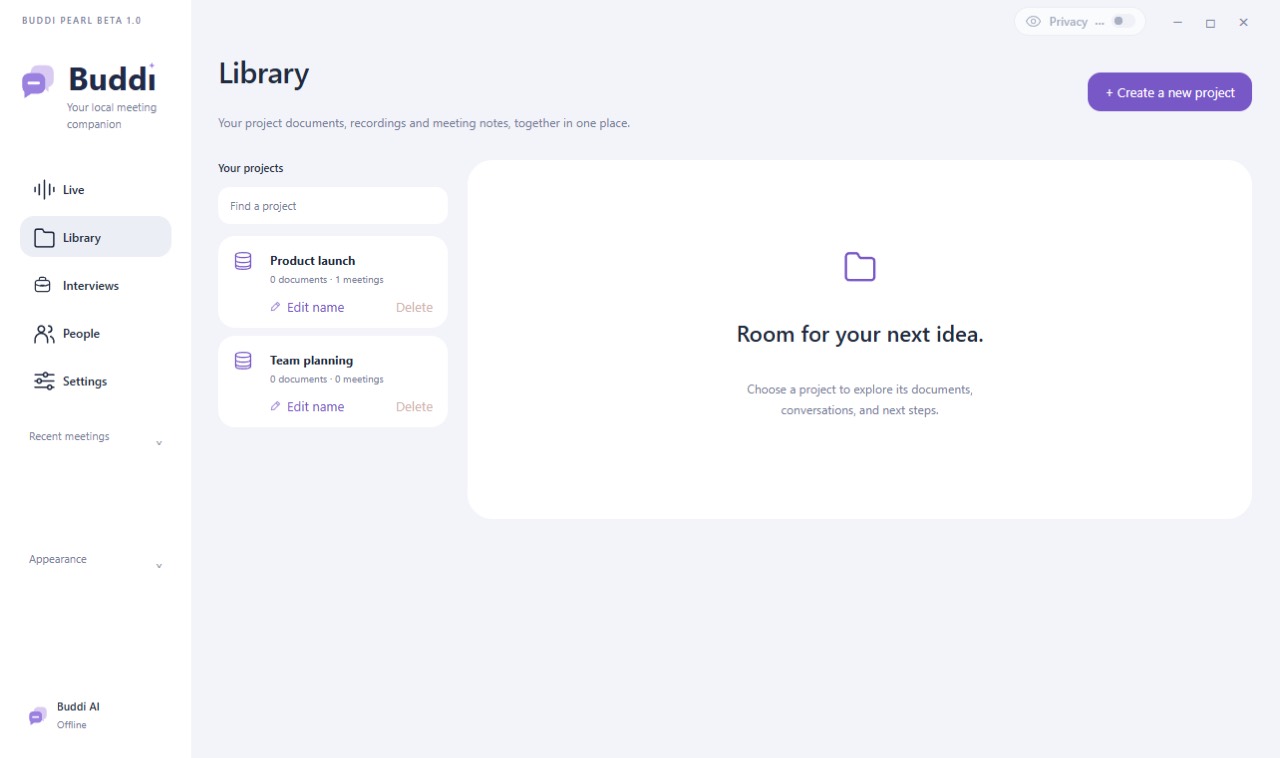
Keep documents and meetings organized by project.
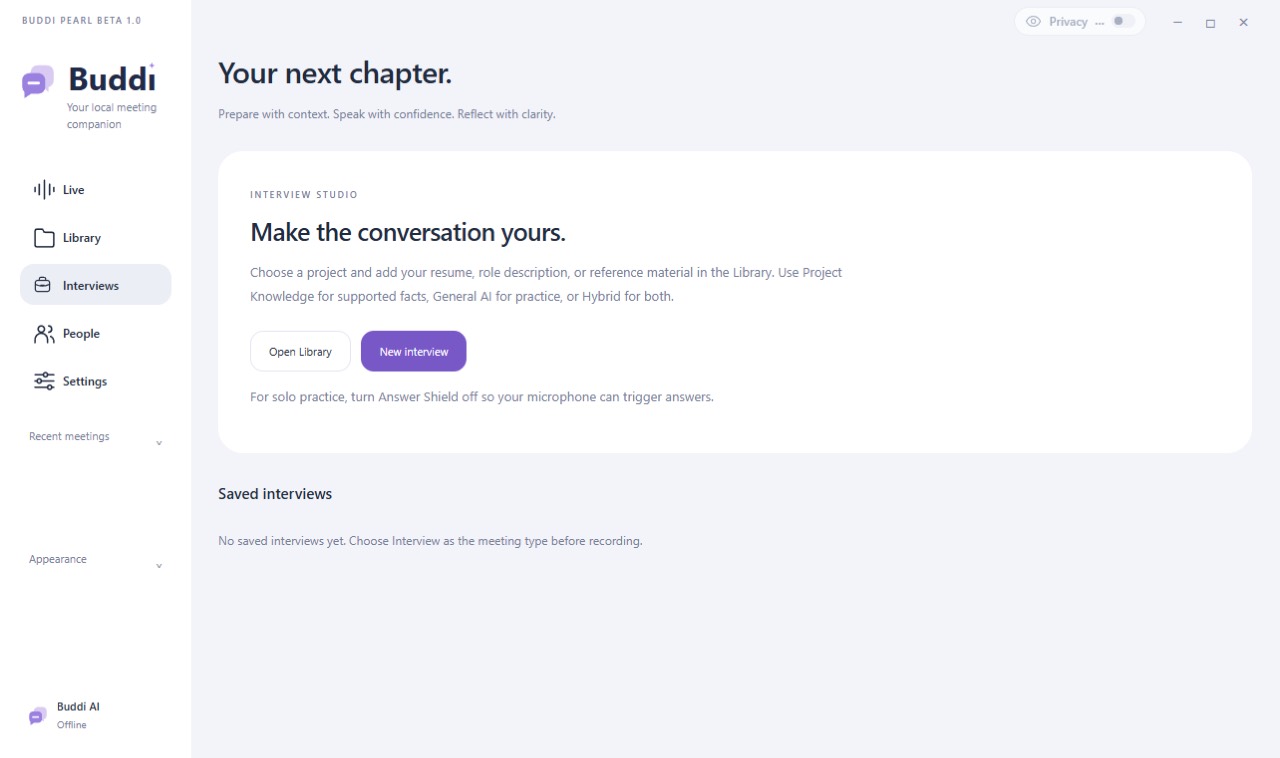
Prepare with context, then review your conversation.
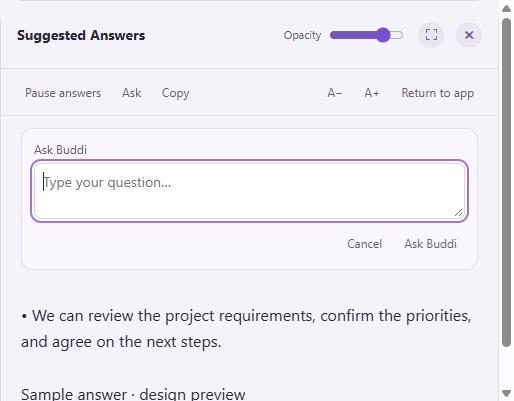
A floating panel with adjustable opacity.
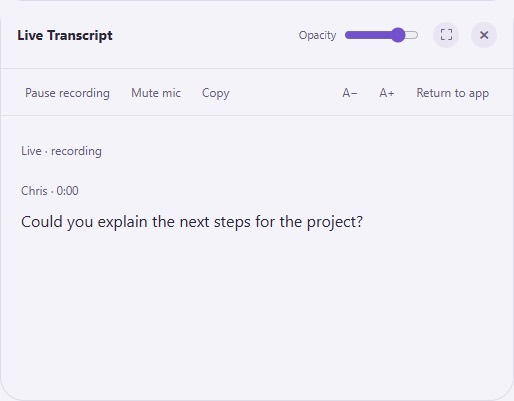
A separate transcript window you can position beside your work.
AFTER THE CONVERSATION
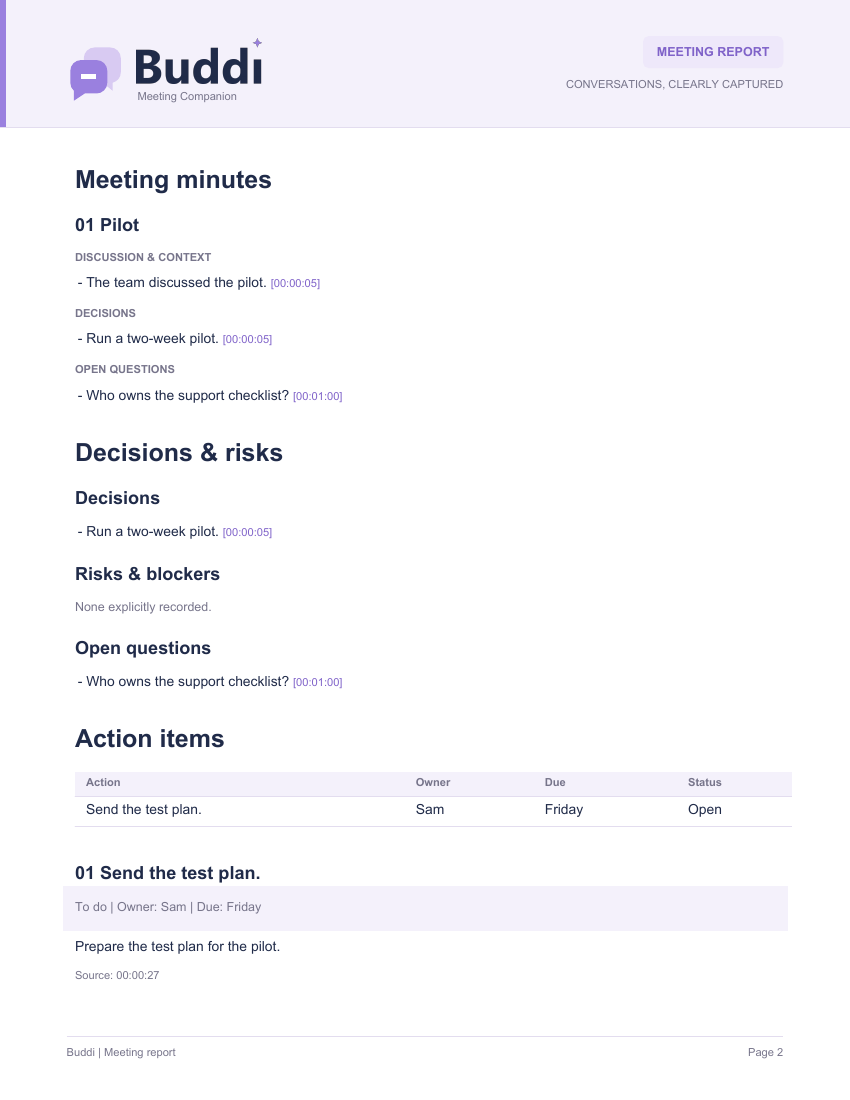
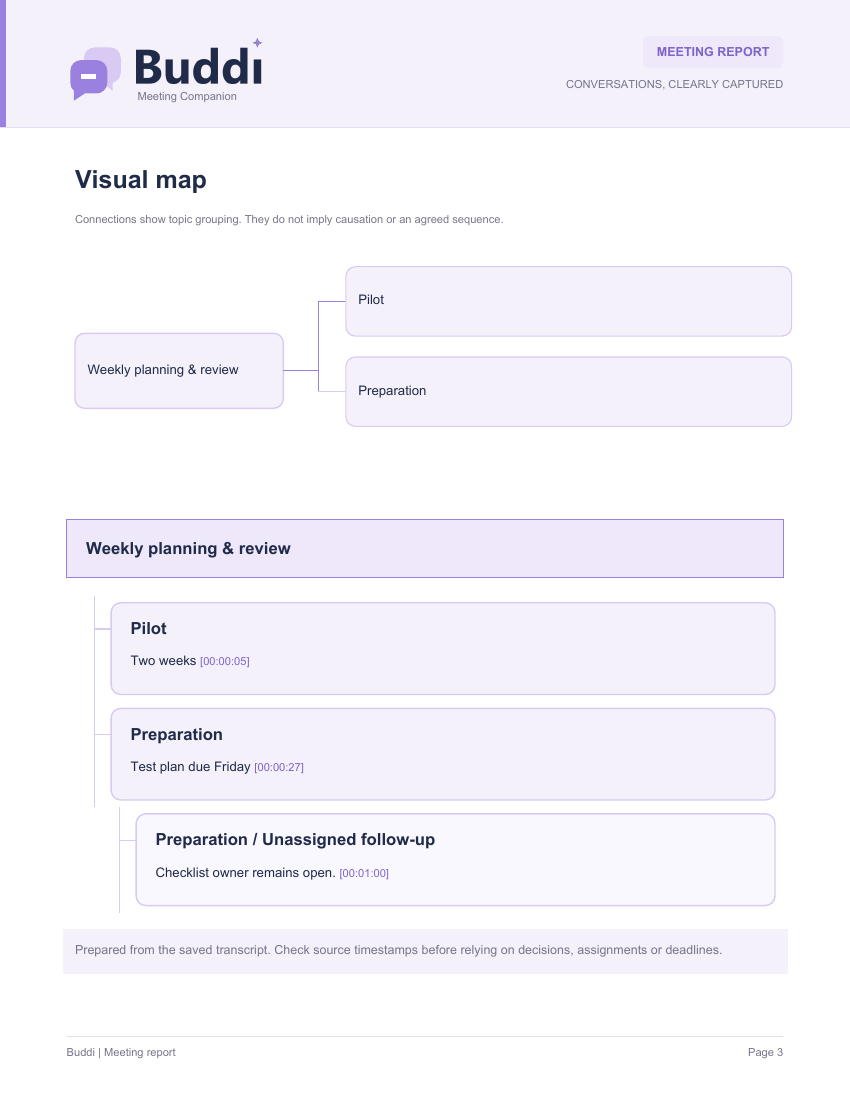
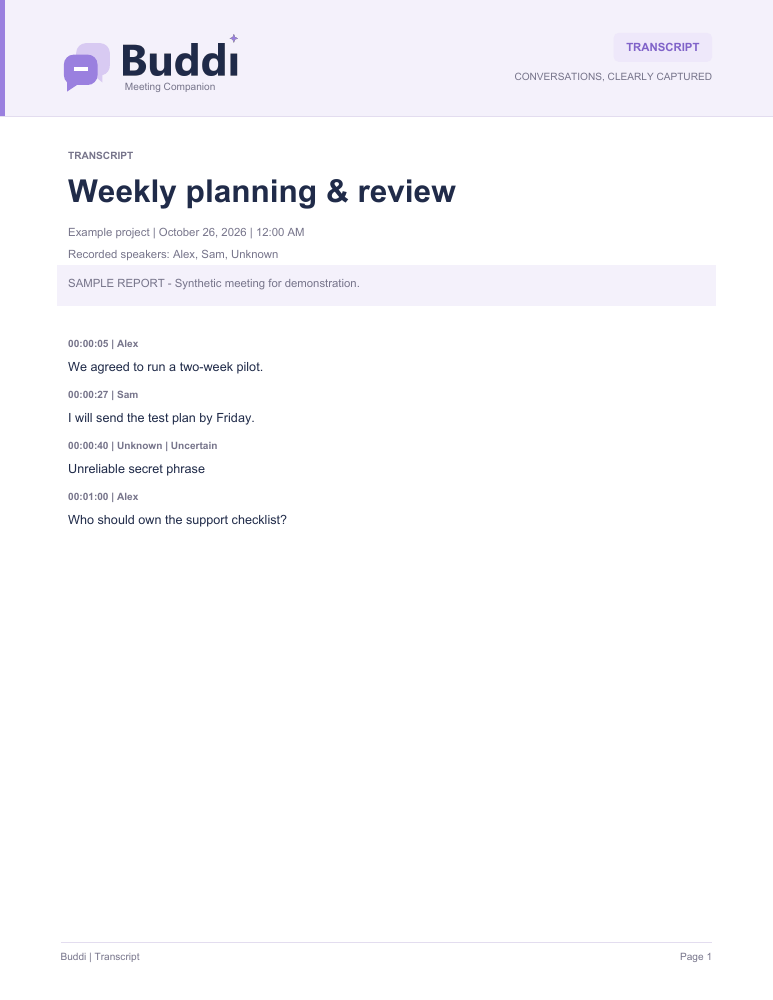
Open sample PDF exports made with fictional meeting content. AI-generated notes and maps require a connected provider.
THE BUDDI PILOT
Try Buddi, tell us what feels right, and help make it better.
Pilot users get lifetime free Buddi access.
Windows 10 / 11 · Intel or AMD 64-bit · About 3 GB installed
Unsigned pilot release: Windows may show a publisher warning.
Connected AI requires your own supported account or API connection.
Optional provider fees and usage limits apply. Built-in answer AI is not included.